Control your Linux server from Telegram

One tap runs a command on your server and sends the output back to your chat.
Telegram Commander turns a simple YAML config file into a Telegram bot with a menu of buttons. Put any terminal command behind a button and run it from your phone. You do not write any code.
Read this in another language: Deutsch Français Español Русский 简体中文 فارسی
Installation · Concepts · Functions · Configuration · CLI
Screenshots
Your menu, a command running, the output that comes back, and typing a command by hand. Click any picture to see it full size.
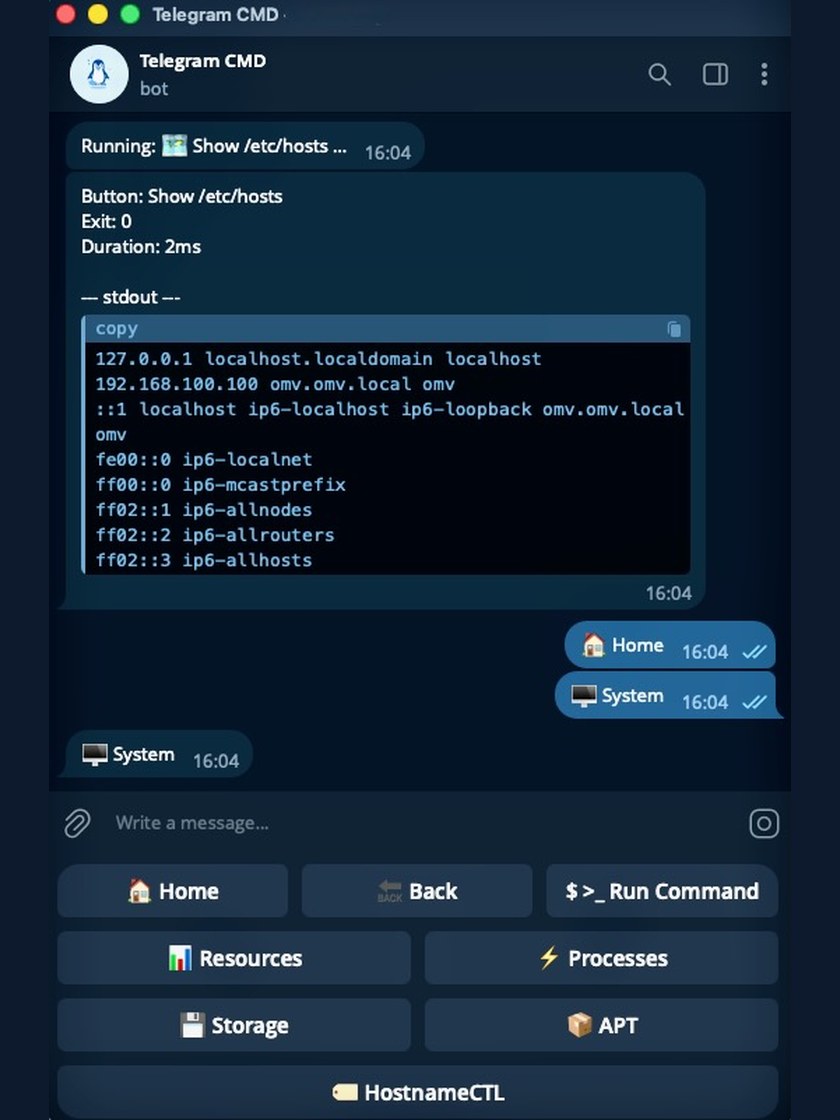
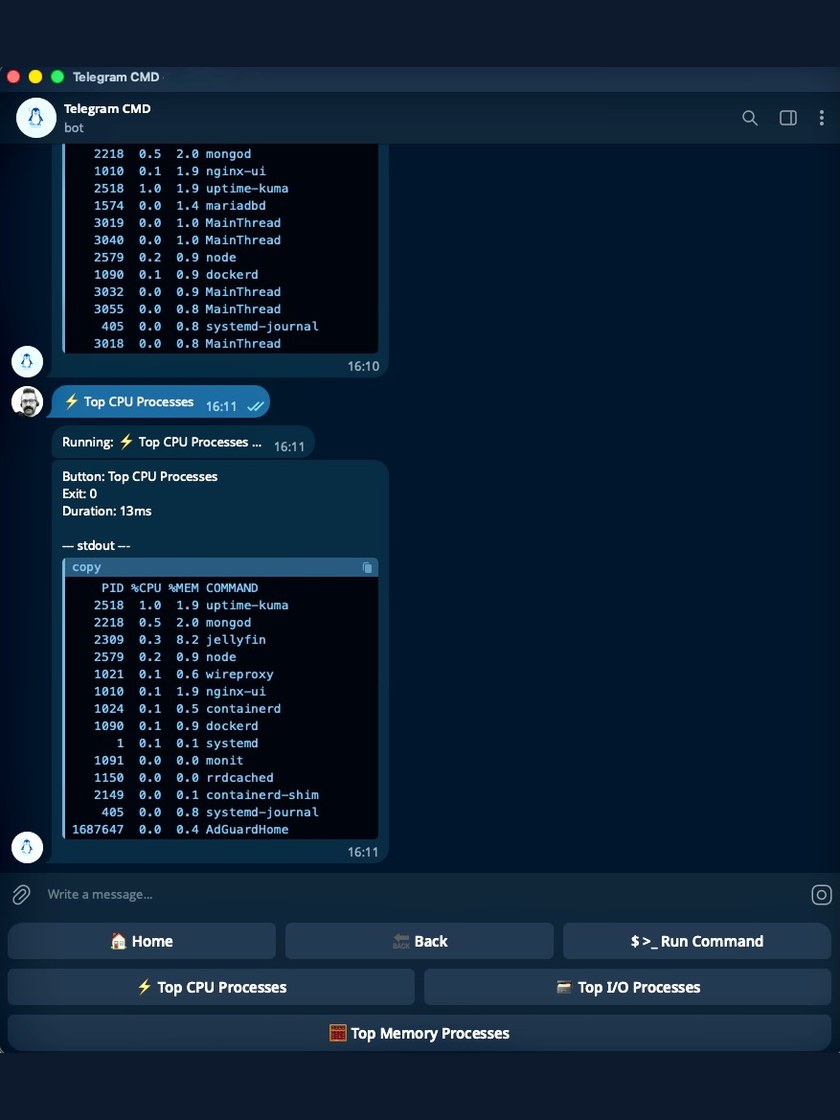
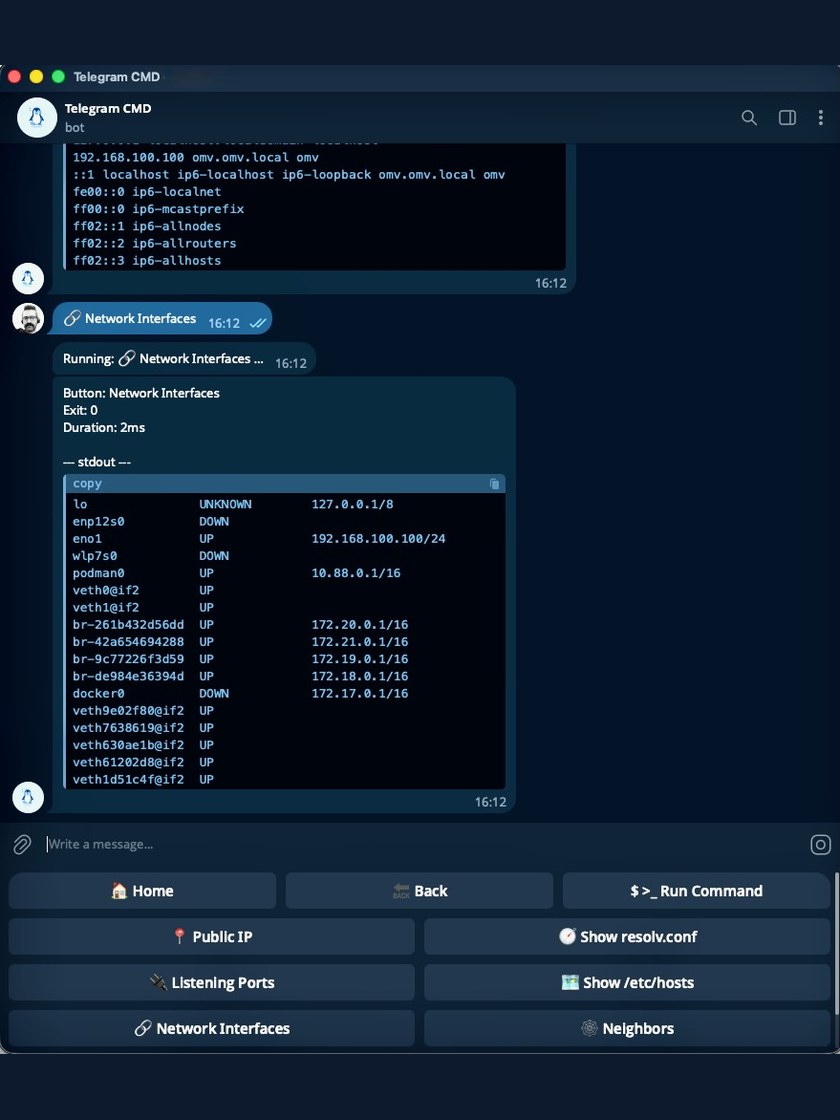
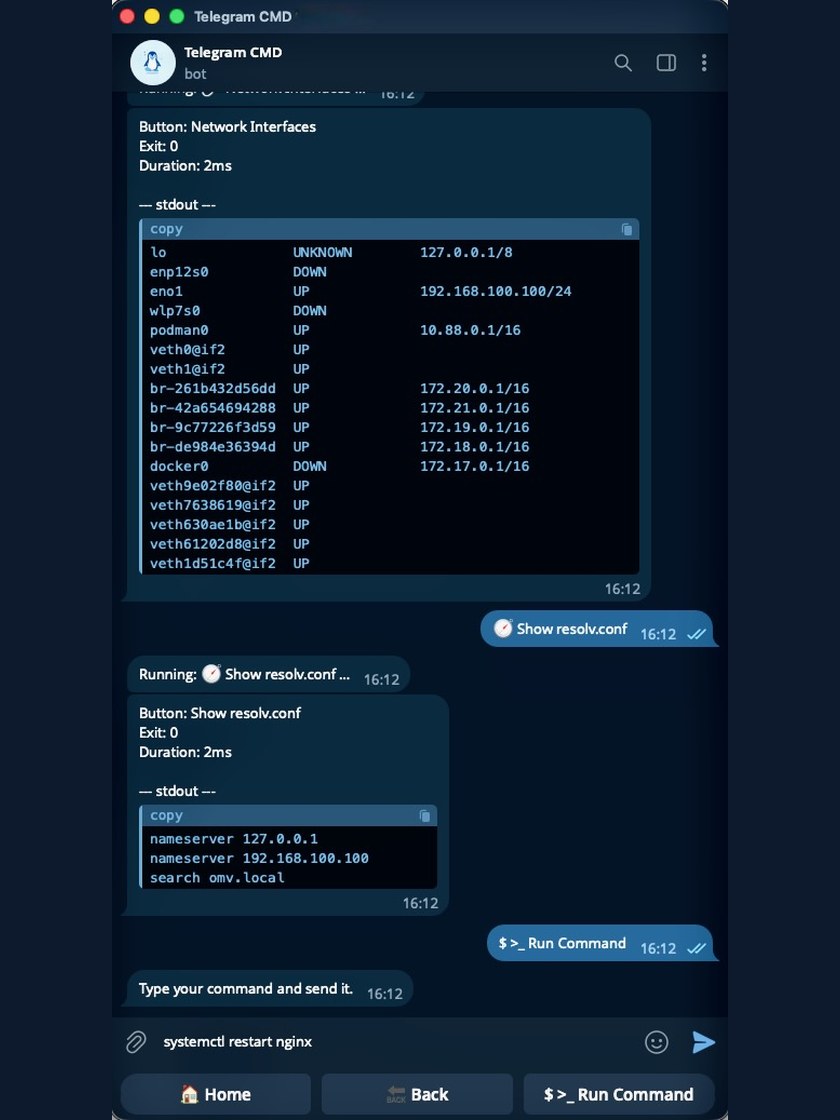
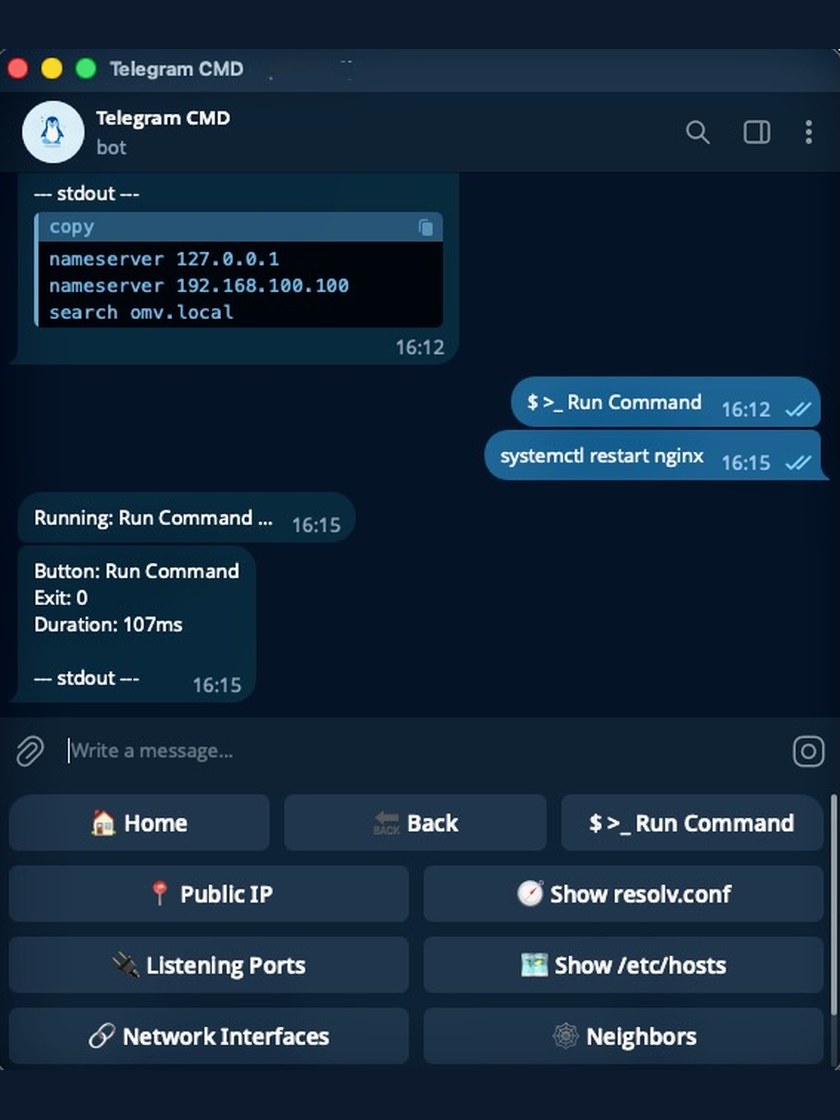
Quick and easy
-
Write your menu
List the buttons and their commands.
-
Start the bot
Run it now, or keep it up as a service.
-
Tap and read
Tap a button and read the output in the chat.
Use cases
- Restart or stop a service
- Start and stop containers
- Update system packages
- Read logs and journals
- Check disk space
- Watch CPU and memory
- Ping hosts and test URLs
- Take and restore backups
- Run your own scripts
- Reboot or shut down the host
- Type any command by hand
- And almost anything else
Why use it
-
No coding
Describe the menu and commands in one YAML file.
-
From anywhere
Open Telegram on your phone and run the server. No VPN into the host.
-
No open ports
The bot connects out to Telegram. Nothing is exposed to the internet.
-
Output in the chat
The result comes back as a message. You do not need an SSH session.
-
Keeps trying
A short network drop retries the send automatically instead of losing the result.
-
Controlled and recorded
Choose who gets the menu, confirm risky actions, and record each run.
-
Nested menus
Group buttons into categories. Home stays at the top; Back takes you up.
-
Reusable functions
Write a command once, then fill in different values on each button.
-
Stays running
Install it as a service and the bot starts with the host.
A tiny example
This config makes a bot with one button called "Uptime". Tapping it runs the
uptime command on the server.
This complete config adds one button
telegram:
  bot_token: "YOUR_BOT_TOKEN" # (1)!
  allowed_users:
    - "YOUR_USER_ID" # (2)!

menu:
  - name: Uptime
    type: button
    function: command
    command: "uptime" # (3)!
- Ask BotFather in Telegram for a token when you create the bot.
- Only the accounts listed here can open the menu. You can use a numeric id
or an
@username. - Anything you could type in a terminal goes here.
That is a complete, working configuration. Everything else is optional.
Built for a small, trusted group
Nothing listens for incoming connections, and only the accounts in
allowed_users get a menu. Everyone who can use the bot can run the
buttons you defined, so keep that list short.
Ready to try it?
Telegram Commander is free and open source. If it saves you time, consider supporting its development — it helps keep the project alive and maintained.